

Live demo
One dashboard for sales and money
OperationsHub is a working demo we built to show what an all-in-one operations platform looks like: customer pipeline on one side, money in and out on the other, in a single login.
Open the live demo- Leads, contacts, companies, deals, tasks and notes
- Expense claims that route through an approval step
- Quotations and invoices generated from the same records
- NDA and SDA agreements built inside the system
- Accounts, budgeting and reporting in the same login
The problem this was built around
Most companies run sales in one tool and money in another. A deal closes in the CRM, the quotation gets retyped in a spreadsheet, the invoice is raised in accounting software, and the expense that ate the margin sits in somebody's inbox. Nobody sees the whole picture without assembling it by hand.
OperationsHub puts those on one set of records, so a quotation becomes an invoice without anyone retyping it and a month's spend sits next to the revenue that justified it. We built it as a demonstration rather than a product — the useful question is what your version would have to do differently.
What you can try
What is actually in the demo
Everything below is in the live demo, with sample data already loaded. Click through it as though it were yours, and note the parts that do not match how your business runs.
Leads and contacts
Add a lead, attach the company record, and follow it through to a contact without the details being retyped at each step.
Deals and pipeline
Move a deal along the pipeline and see what it is worth, with the tasks and notes attached to the deal rather than to somebody's memory.
Tasks and notes
Log a call as a note against the company it belongs to, then set the follow-up task on that same record instead of a private calendar.
Quotations
Generate a quotation from a deal you have already created, so the figures come from the record instead of a spreadsheet someone keeps locally.
Invoices
Raise an invoice from an accepted quotation and see it appear against the same customer, without a second system having to be told about it.
Expense approvals
Submit an expense and send it through an approval step, so spend is agreed by a named person before it ever reaches the accounts.
Agreement builders
Produce an NDA or SDA from inside the system, using the company and contact details already stored rather than a Word template on a laptop.
Accounts and budgeting
Set a budget and watch approved expenses count against it, so an overspend shows up during the month rather than after it has closed.
Reporting and the dashboard
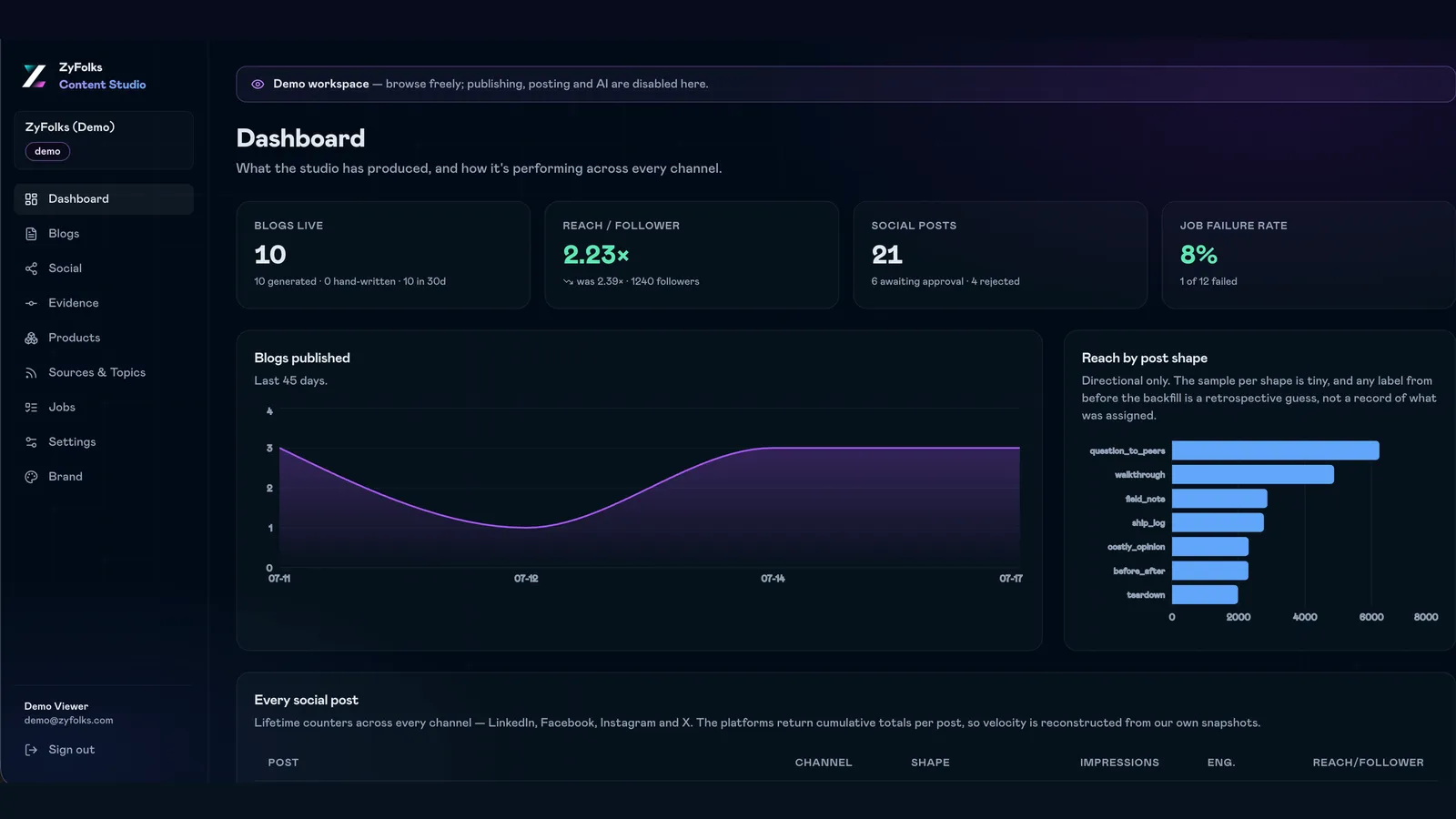
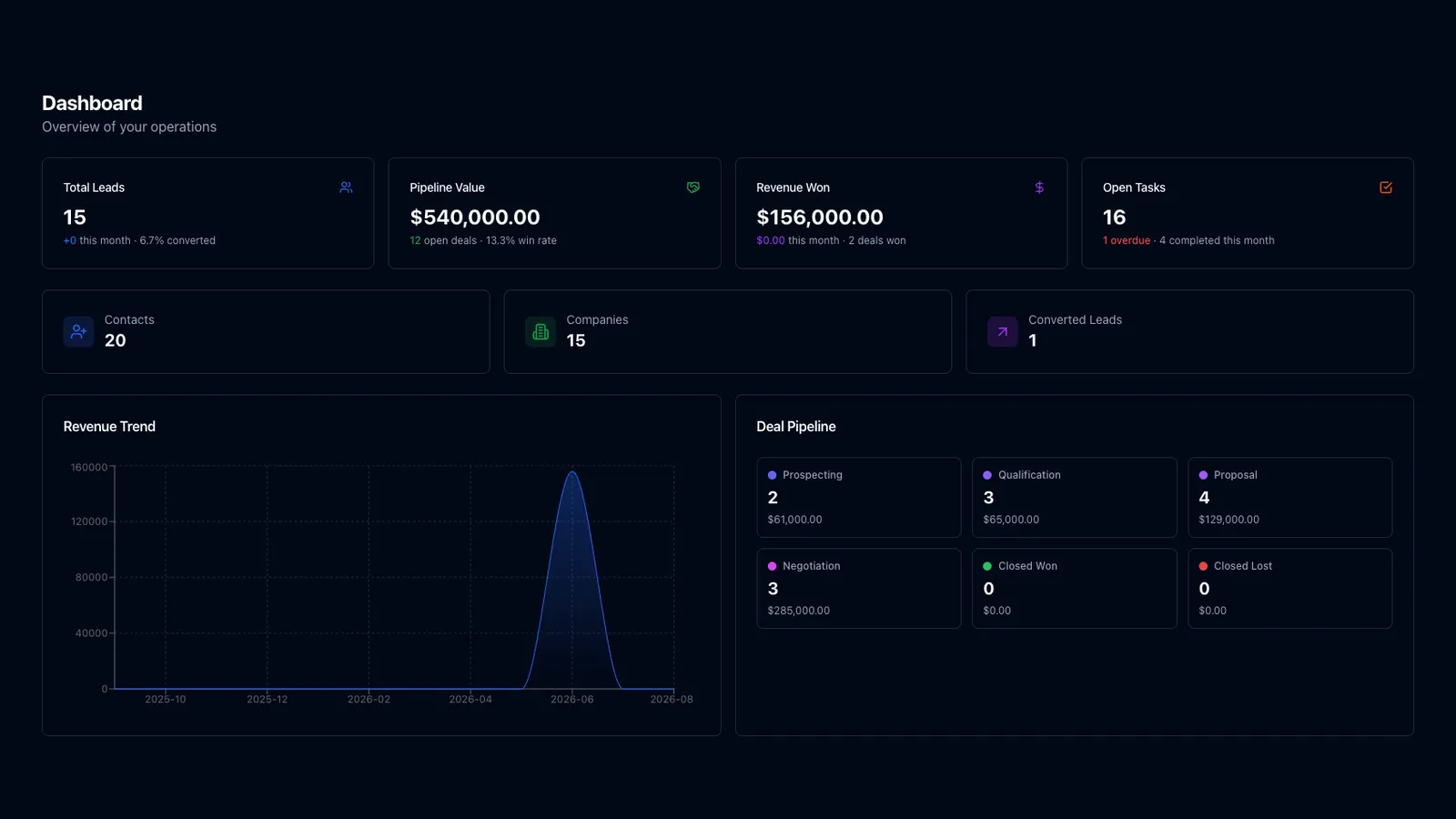
One dashboard covering pipeline and money at once. Reporting reads from the same records, so nothing has to be reconciled before you can read it.
What an equivalent gives you
What a build like this changes
OperationsHub is not for sale, so this is not a feature list you are buying. It is what a business tends to get when this kind of system is built around its own way of working.
- ONE SET OF RECORDS
- A customer exists once
- The same company record carries the deal, the quotation, the invoice and the agreement. Nobody reconciles two lists, and no report starts with a question about which spreadsheet is current.
- SPEND CONTROL
- Approvals before the money leaves
- An expense meets a named approver and a budget line before it becomes a cost. That is a policy, and it holds because the software will not let a claim skip the step.
- PAPERWORK
- Quotes, invoices and agreements generated
- Documents come out of the records rather than being written from a template each time, which removes the class of error where a customer's name is right on one page and wrong on the next.
- A REAL PICTURE
- Pipeline and cash in one view
- Revenue you expect sits beside spend you have committed. Most teams can produce both numbers eventually; the value is having them on the same screen on a Tuesday morning.
How you would get one
What building your version looks like
OperationsHub is our showcase, not your starting point. Yours would begin from what your team actually does, and that first conversation usually removes more than it adds.
Open the demo
An afternoonClick through it with your own process in mind. Most people come back with a list of what is missing, and that list is the useful part.
Scoping
1–2 weeksWe work out which of these modules you genuinely need. A CRM with quotations but no expense approvals is a much smaller build, and often the right one.
Build
10–16 weeksRecords, roles, approvals and document generation, shipped in slices you click through on staging rather than reviewed once at the end.
Roll out and adjust
OngoingGetting the team onto it, moving existing data across, and changing the approval rules once real use shows where they were set wrong.
Is this the kind of thing you need?
Worth a read before you get in touch — it saves both of us a call.
A good fit if…
- Your sales pipeline and your finances live in separate tools
- Expense or purchase approvals currently happen over email and memory
- Quotations and invoices get retyped from information you already hold
- You can name the person who decides how the process should work
Probably not, if…
- You want to buy it today — this is a demonstration, not a product
- Your existing CRM and accounts just need connecting — see Integrations & Custom API Development
- It has to be a multi-tenant product you sell — see Web & SaaS Platform Development
- The real problem is a field team working on phones — see Mobile App Development
Frequently Asked
Questions
Common questions about building an operations platform like this one.
OperationsHub is a demonstration, so there is no licence to buy. The cost of your version is driven mostly by how many of these modules you actually need, and by how complicated the rules are inside them. A CRM with quotations is a modest build. Add multi-level expense approvals, budget checks, tax handling on invoices and an agreement builder, and each one brings its own edge cases. The second driver is integration: a system that has to stay in step with your existing accounting software costs more than one that does not.
Less than people expect on the technical side and more than they expect on the human side. Hosting a system of this size is a small monthly cost, and we hand over the deploy pipeline so another team can ship a change without booking time with us. The real work is ownership. Somebody has to decide who approves what, keep the user list current, and rule on the awkward cases in the first few months. Where that person is not named, approval steps get worked around and the data goes stale.
Your build runs on your own cloud account or one we manage for you, and the customer, invoice and expense records stay in your database rather than on a shared platform. Access is by role, so a salesperson sees their own pipeline while approvals and accounts stay with the people who should hold them. Actions are logged, which matters most on the money side. The public demo is entirely separate and filled with sample data, so nothing you type into it is real or kept.
Every engagement includes a bug-fix window after delivery, and most teams carry on with us beyond it. In practice the failures in an operations system are rarely dramatic. An approval rule turns out to be wrong for one department, an invoice sequence needs changing mid-year, or a report disagrees with the accounts because two people entered the same expense. We build the admin screens that let your own team correct those without asking us for a database query, and we would rather find them on staging than in your month-end.
All of it, and that is the point of building rather than buying. The modules in the demo are one arrangement of a common problem. Yours might drop the agreement builder entirely, add a second approval tier above a certain amount, or treat companies rather than contacts as the main record. We start from your process instead of asking you to bend it around ours. The honest caveat is that every deviation costs something, so scoping usually involves us arguing you out of at least one.
Have a project in mind?
Fixed price after a paid discovery — no hourly billing. A real engineer reads every enquiry, and we reply within 24 hours.