



AI Automation
Work that moves without someone pushing it
We hand the repetitive parts of your operations to software that reads real emails and PDFs, decides what happens next, and escalates to a person when it is not confident.
Talk to us about your projectWhy the usual automation stops short
Zapier and scripts work well while the input is predictable. They break the moment a supplier sends an invoice in a new layout, or a customer writes a complaint that reads like a question. Most operations work lives in exactly that territory, which is why so much of it is still done by hand.
AI automation covers the gap by reading the unstructured thing first, then handing a clean, structured decision to ordinary code. The judgement is the model's job. The execution stays a normal, testable pipeline you can audit line by line, which matters when it is moving money.
Capabilities
What we automate
Each one is scoped to a single named process with an owner. A general 'automation layer' with no specific workflow attached is how these projects quietly stall.
Email & ticket triage
Reads an inbound message, works out what it actually is, and routes it to the right queue in Zendesk or Jira with a summary attached.
Document extraction
Pulls line items, dates and totals out of a supplier PDF and files it against the matching purchase order.
Report generation
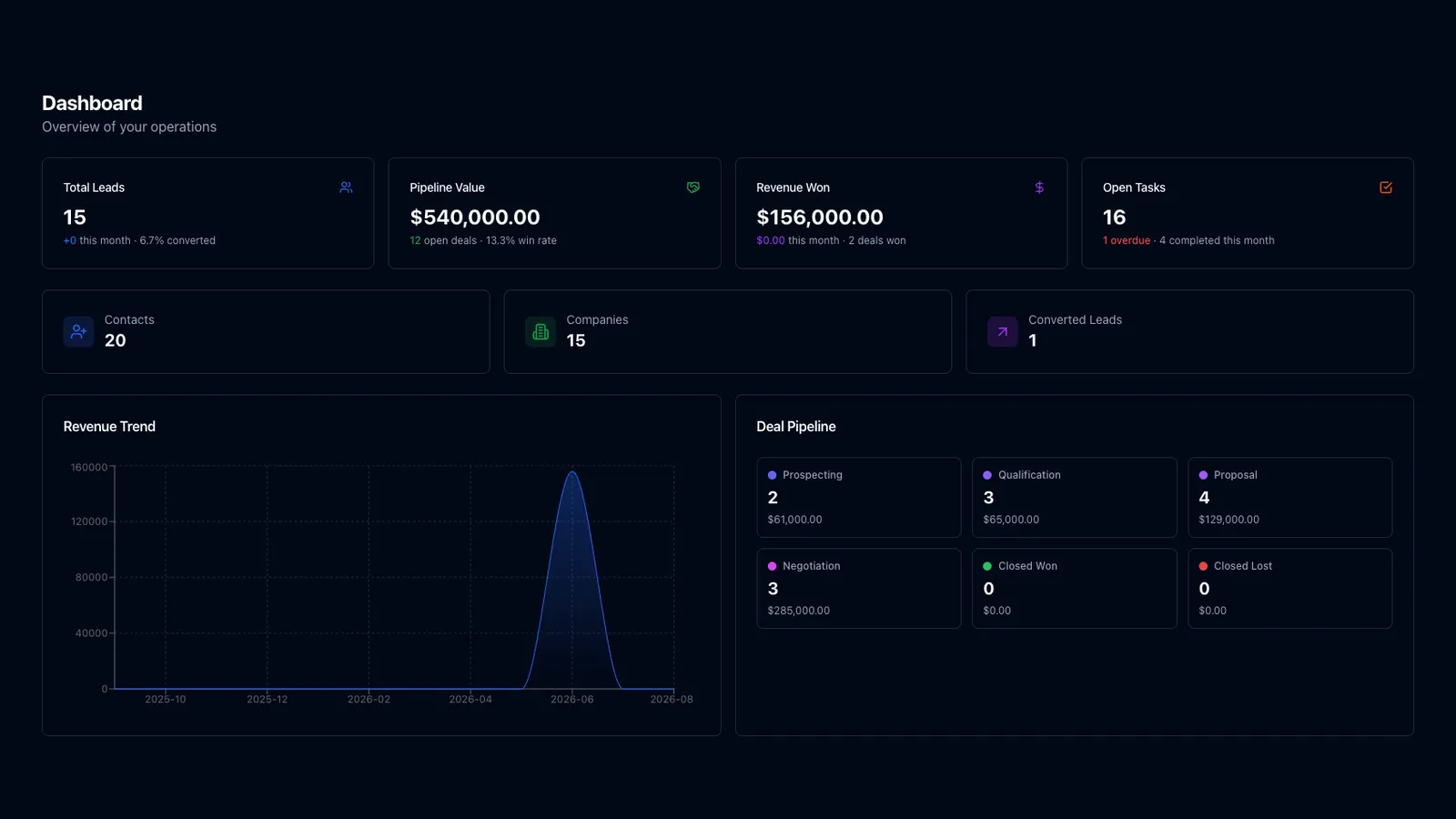
Written summaries from your live data, delivered into Slack or an inbox on Monday morning rather than a dashboard someone has to remember to open.
CRM & record hygiene
Enrichment, deduplication and two-way sync across Salesforce, HubSpot or Zoho, with field mapping and a reconciliation job that catches drift.
Approval workflows
Multi-step approvals that branch on what a request contains, not only its amount, and park anything unusual for a named person to sign off.
Connectors & pipelines
Gmail, Outlook, Notion, Airtable, QuickBooks, Google Sheets, n8n or your own internal API, through webhooks that retry instead of dropping the job.
Decision logic you can read
Every routing call is logged with the reasoning behind it, so a disputed outcome traces back to the input that caused it.
Human handoff
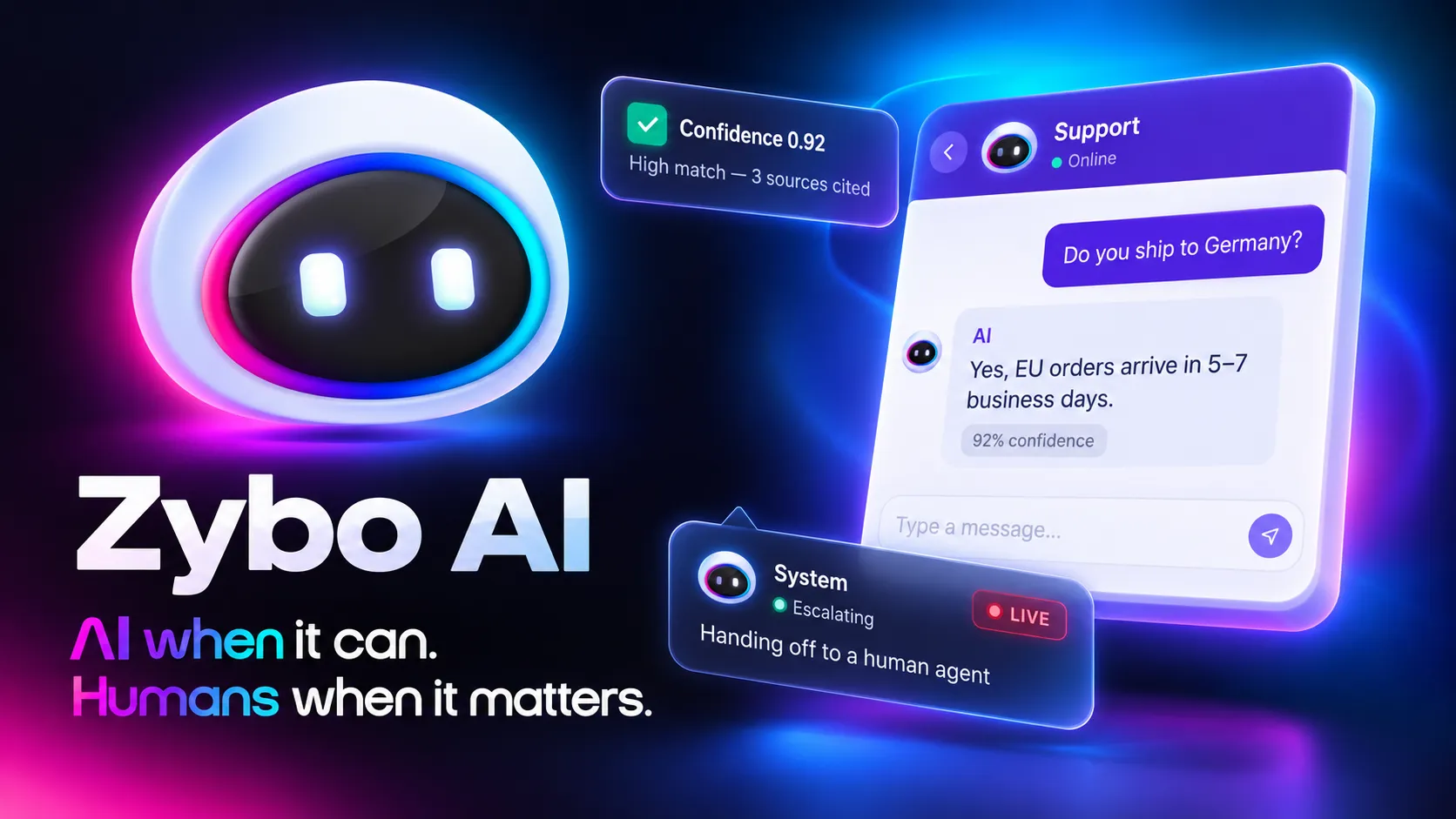
Confidence thresholds that stop the run and escalate. The system asks rather than guesses when a case sits outside what it has seen.
Monitoring & retries
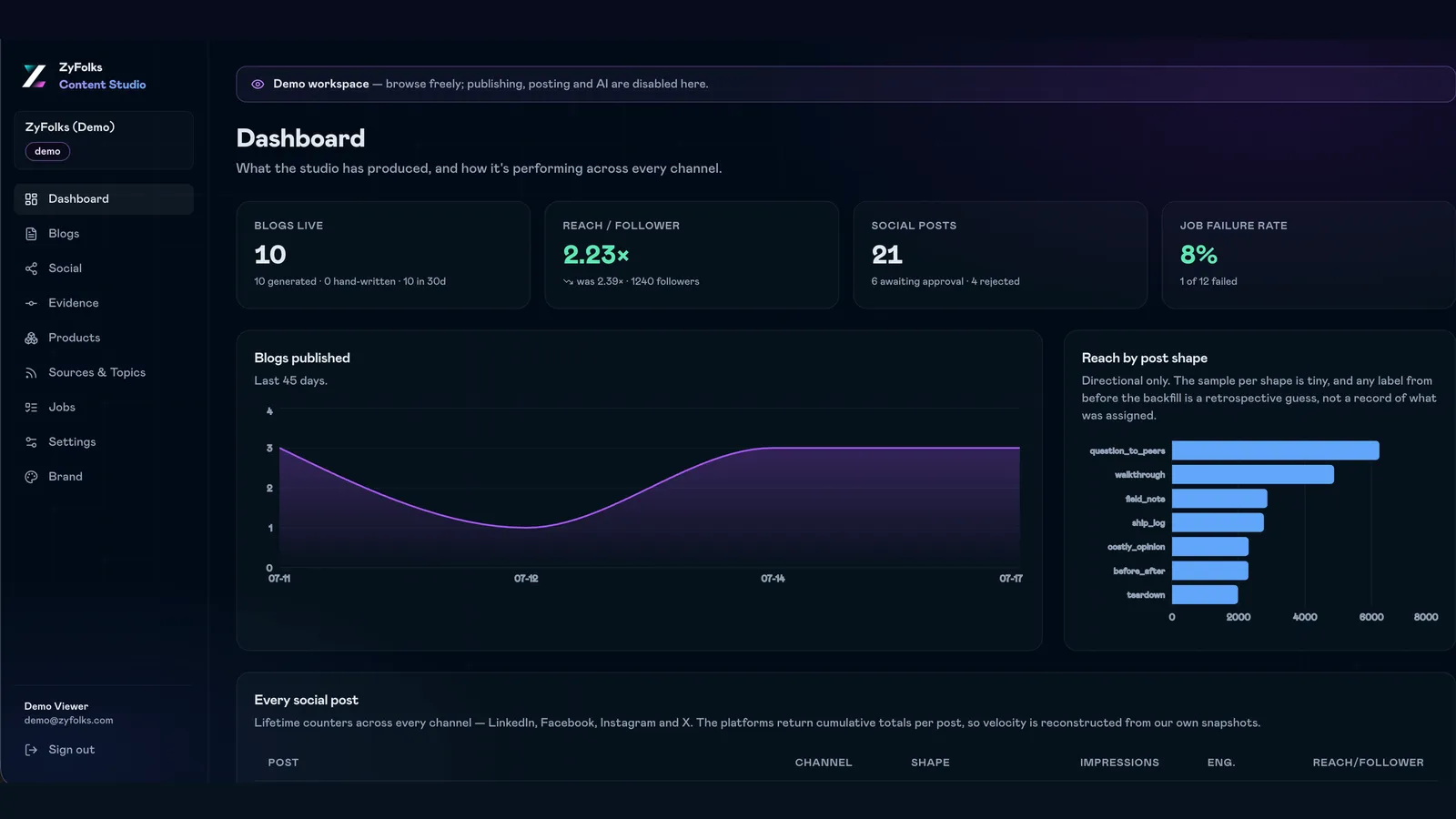
Throughput and failure-rate dashboards, automatic retries with backoff, and an alert when a workflow quietly stops firing at all.
What you get
What you own at the end
Nothing on this list depends on us staying involved.
- Live workflows
- The automations, running in production
- Deployed against your real accounts and inboxes, with credentials held in your own vault. Turning one off is a switch your team controls, not a support ticket to us.
- The rules
- Prompts, thresholds and routing logic
- Written down and editable, including the cases we deliberately send to a person. You can move where that line sits without waiting on a developer.
- Audit trail
- Every run, input and decision logged
- So when someone asks why an invoice went to the wrong approver in March, there is an answer rather than a guess. Exportable for finance and compliance.
- Handover
- Runbook and cost breakdown
- How to restart a stalled workflow, what the monthly API spend looks like at current volume, and which step gets expensive first if that volume triples.
How we work
From one manual process to a running workflow
Durations below are typical for a first workflow. We would rather stop after one than bill you for a rollout that was never going to hold.
Process mapping
1–2 weeksWe sit with whoever does the work today and write down every step, including the exceptions they handle without consciously noticing them.
One workflow, end to end
2–4 weeksWe build the highest-volume process first and run it beside the manual one. If the accuracy is not there, we say so and stop.
Roll out
4–8 weeksThe remaining workflows, connectors, monitoring and handoff rules, shipped one at a time so your team absorbs each before the next arrives.
Run and tune
OngoingThresholds shift once real volume arrives. We watch the escalation rate and the API bill, and retire any workflow not earning its keep.
Is this the right service for you?
Two minutes here saves a call that goes nowhere.
A good fit if…
- A repeatable process eats several hours of someone's week, every week
- The inputs are messy: emails, PDFs, tickets, free text from customers
- Your tools have APIs or webhooks, or can export on a schedule
- You can name the person who owns the process today
Probably not, if…
- You want the intelligence inside your own product, which is AI-Integrated Software
- You need something autonomous that talks to customers, which is AI Agents
- Two systems just need to talk; Integrations & APIs is the cheaper job
- The process is undocumented and changes shape every month
Frequently Asked
Questions
Common questions about automating workflows with AI.
Traditional automation (like Zapier or custom scripts) follows rigid if-then rules. AI automation uses language models and ML to read unstructured input — emails, documents, chat logs, screenshots — and make judgement calls. That unlocks workflows that were previously impossible to automate.
Common wins: parsing inbound emails and routing them, extracting data from invoices/contracts, triaging customer tickets, generating reports and summaries, enriching CRM records, answering FAQs before they hit a human, and syncing data between tools that don't talk to each other.
A focused automation (one workflow, one outcome) ships in 2–4 weeks and starts saving hours immediately. A broader automation layer touching multiple tools usually takes 6–10 weeks to design, build, test, and roll out to the team.
Yes — integrations are the heart of the job. We connect to Salesforce, HubSpot, Slack, Gmail/Outlook, Google Sheets, Notion, Airtable, Zendesk, Jira, and dozens more. If a tool has an API or webhook, we can automate around it.
We design with failure in mind: confidence thresholds, human-in-the-loop checkpoints for high-stakes decisions, retry logic, error alerts, and full audit logs. Critical workflows route to a human when the AI isn't confident. Nothing runs blind.
Simple workflows start around ₹2L–₹5L (roughly \$2.5k–\$6k) for build + setup, with low ongoing API costs. Larger, multi-workflow automation projects run ₹8L–₹25L+ depending on scope. Agent-style automation is broken down tier by tier in our AI agent development cost guide.
Have a project in mind?
Fixed price after a paid discovery — no hourly billing. A real engineer reads every enquiry, and we reply within 24 hours.