

On-Device vs Cloud AI in Mobile Apps: The Architecture Decision You Can't Retrofit
Choosing on-device vs cloud AI for your mobile app affects cost, speed, and privacy — and it's an architecture decision you can't easily retrofit later.

The choice between on-device and cloud AI for a mobile app comes down to three tradeoffs you should model before writing code: cost, speed, and privacy. Run AI on the phone when you need offline access, low latency, and no per-request bill. Send it to the cloud when the feature needs bigger models, live data, or grounded answers. Most serious apps end up using both.
Here’s the trap almost every founder walks into. You decide to add an AI feature, someone on the team says “just call an API,” and you ship it. It works in the demo. Then the invoices arrive, users on the subway complain the feature is dead without signal, and your legal review asks why customer messages are being sent to a third party. None of those problems show up in a prototype. All of them show up in production, and by then the fix means rebuilding the plumbing instead of choosing it. Google’s latest Android guidance — using on-device models, cloud models, and a mix of the two — is a useful map for that decision, even if you never write a line of Android code.
When does on-device AI actually win?
Running AI directly on the phone wins in three situations: when the data is sensitive, when the network is unreliable, and when the feature runs often enough that per-request cloud fees add up. Nothing leaves the device, so there’s no privacy exposure and no ongoing bill. The catch is that the models are smaller, so they handle focused jobs — summarizing, parsing, simple translation — far better than open-ended reasoning.
Google’s example app, Jetpacker, uses a small on-phone model to draft restaurant reviews and to translate common language pairs like English and Korean. Those are bounded tasks where a compact model does the job well and a round trip to a server would just add cost and delay. If you’re building anything that processes photos, voice notes, health data, or financial documents, this is where you want to start — the moment that data crosses the network, your compliance and trust obligations multiply.
On-device only works on hardware capable of running these models, though, and older or budget phones often can’t. So “on-device” is rarely a complete answer on its own. It’s the preferred lane, with a backup plan behind it.
When do you actually need the cloud?
Send AI to the cloud when the feature needs a large model, a wide memory of context, or facts the model couldn’t know on its own. A phone-sized model doesn’t know today’s opening hours, this week’s ticket prices, or a seasonal exhibit. A cloud model paired with live data does — a technique the industry calls grounding, which simply means feeding the model fresh, real-world facts so its answers are accurate instead of confidently wrong.
Jetpacker’s museum assistant shows the pattern. It answers questions like “How can I get a ticket discount for Le Louvre?” by pulling in current web pages, a live search index, or map data through Firebase’s tools, so the reply reflects reality rather than whatever the model absorbed during training. For any app where a wrong answer costs the user money or trust — travel, healthcare, finance, logistics — this grounding is not optional.
The cost of the cloud lane isn’t only money. Every request travels to a server and back, so latency depends on the user’s connection, and an offline user gets nothing. And once you’re calling a paid API from a phone, you’ve opened a door to abuse — someone can lift your keys and run up your bill. Google’s answer is to verify that requests come from your genuine app before they hit the model. Whatever platform you build on, budget for that gatekeeping. It’s the kind of detail that’s cheap to design in and expensive to bolt on after a surprise invoice.
What does hybrid inference get you without over-engineering?
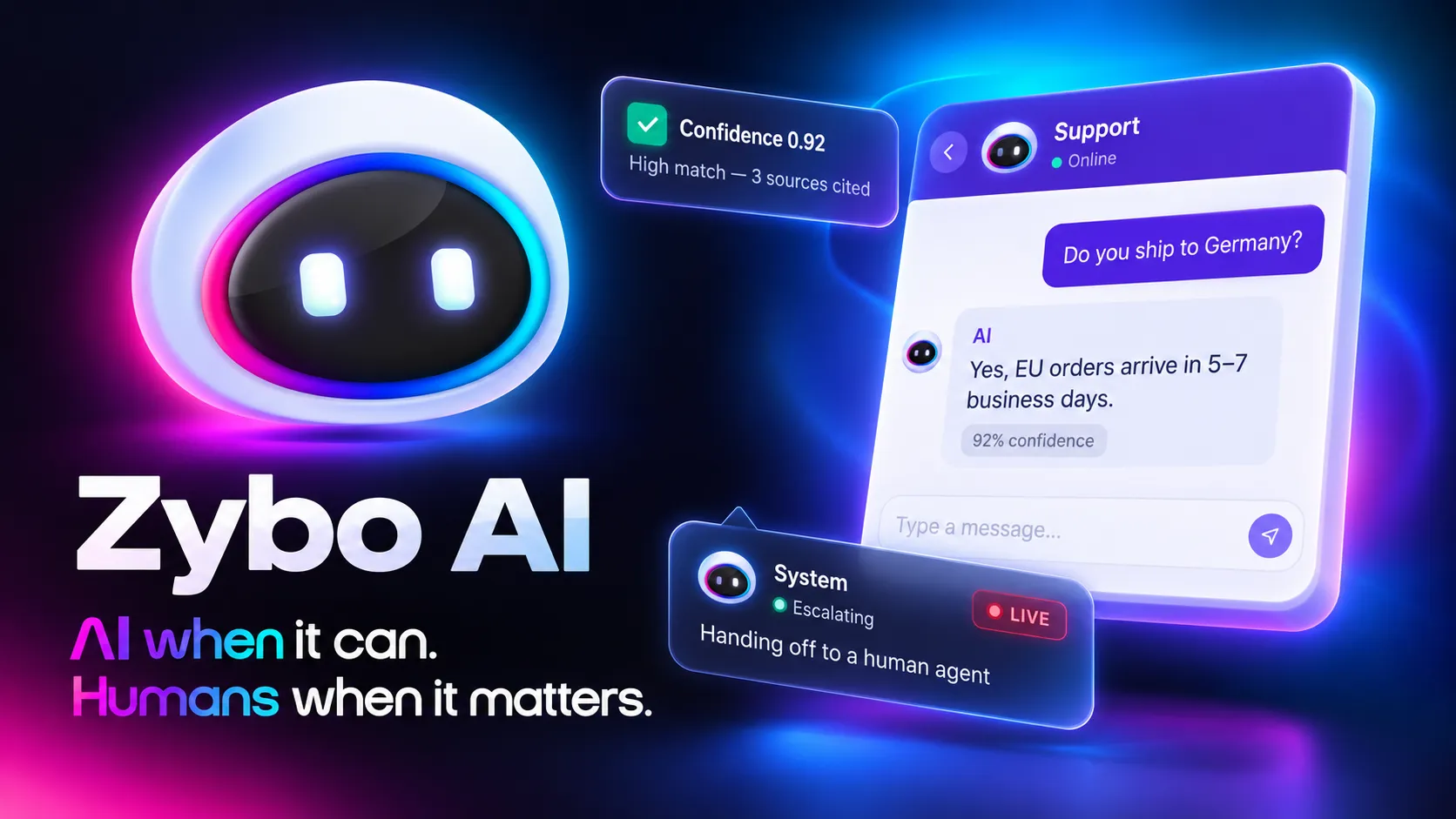
Hybrid means the app runs AI on the phone when it can and falls back to the cloud when it can’t — so every user gets the feature, and you pay for the cloud only when you have to. Google exposes this as four simple modes: prefer on-device, prefer cloud, on-device only, cloud only. For most teams, “prefer on-device with a cloud fallback” is the sensible default. Free and private when the hardware allows, universally available when it doesn’t.
The temptation is to get clever. Jetpacker’s translation feature does add custom routing — it detects the incoming language on the phone, handles the pairs it has verified locally, and only escalates harder languages to the cloud for higher quality. That’s a reasonable rule because it’s tied to one thing the team actually tested: translation quality per language. You can extend that logic to consider battery, connectivity, or model version, but each rule you add is a rule you have to maintain. Start with the built-in prefer-on-device mode. Add custom routing only when you can point to a specific quality or cost problem it solves. Complexity you can’t justify is complexity that breaks at 2 a.m.
Does the platform — Swift, Kotlin, React Native, Flutter — change the answer?
The decision framework doesn’t change across platforms; the tooling and the effort do. The cost, latency, and privacy math is identical whether you build in native Swift, native Kotlin, React Native, or Flutter. What differs is how much of the on-device capability you get for free.
Google’s on-device models are wired into the Android world, so a Kotlin app reaches them most directly. On Apple’s side, the equivalent on-device intelligence lives in Apple’s own frameworks, so a Swift app taps a different local engine with the same underlying logic. Cross-platform tools like React Native and Flutter can call cloud AI — that’s just a network request — but reaching the phone’s built-in models usually means a native bridge or a plugin, which is real engineering time. That tradeoff belongs in your platform decision from the start, alongside the usual native versus cross-platform and React Native versus Flutter questions. If on-device privacy is central to your product, it can tilt you toward native. If your AI is mostly cloud-grounded reasoning, cross-platform costs you almost nothing here.
Should you build this yourself or buy an off-the-shelf tool?
Buy — or rather, wire up an existing AI API — when your feature is generic, low-volume, and not privacy-sensitive. A simple chatbot on a low-traffic app doesn’t justify custom routing or on-device models. Ship the API call, watch the usage, and move on. Building the full hybrid architecture before you have users is over-engineering.
Invest in a real inference architecture when AI is core to the product, runs at high volume, touches sensitive data, or has to work offline. At scale, per-request cloud fees become a line item worth engineering against, and privacy stops being optional. This is exactly where founders lose money by retrofitting: they ship the cheap version, grow, and then pay to rebuild the routing, the fallback, and the security they skipped. If AI is central to your app, the same scoping discipline that goes into pricing an AI build should shape your inference strategy before the first sprint. We expect that within two years, “is it on-device or cloud?” will be a standard question in mobile due diligence — the same way investors now ask where user data is stored.
FAQ
Q: What’s the difference between on-device and cloud AI in a mobile app? A: On-device AI runs the model directly on the phone — private, fast, works offline, and free of per-request fees, but limited to smaller models on capable hardware. Cloud AI runs on a server, unlocking bigger models and live data, but adds latency, ongoing cost, and privacy exposure. Hybrid combines both.
Q: Is on-device AI cheaper than calling a cloud API? A: For high-volume features, usually yes, because on-device inference has no per-request charge. The cloud makes sense for occasional, complex tasks or when you need larger models and grounded, up-to-date answers. The most cost-effective setup for many apps runs common tasks on the phone and escalates only the hard ones to the cloud.
Q: Can React Native and Flutter apps use on-device AI? A: They can, but reaching a phone’s built-in AI models typically requires a native bridge or plugin, which is extra engineering. Calling cloud AI from React Native or Flutter is straightforward since it’s just a network request. If on-device privacy is essential to your product, that often points toward native development.
Key Takeaways
- Decide your on-device, cloud, or hybrid split before you write code — the tradeoffs in cost, latency, and privacy are cheap to design in and expensive to retrofit after launch.
- Default to running AI on the phone with a cloud fallback; it gives every user the feature while you pay for the cloud only when the hardware can’t handle the task locally.
- Put any feature touching sensitive data on-device first, and never call a paid cloud AI API from a phone without verifying the request comes from your real app.
- Add custom routing only when you can name the specific quality or cost problem it solves — built-in prefer-on-device mode covers most apps.
- Let your AI strategy inform the platform choice: heavy on-device privacy needs can tilt you toward native mobile development, while cloud-grounded features run fine on cross-platform.
- If AI is core to your product, book a build consultation to architect the inference strategy upfront rather than rebuilding it after the invoices and privacy questions arrive.